
Screenshots
App details
- Updated
- Mar 27, 2013
- Language
- English
- Category
- Mobile
SoftPas in:
This product is also available in the following languages:
About FeedRoller Portable
Download FeedRoller Portable – RSS feed reader, Atom feed reader, Twitter feed reader, desktop feed reader, real-time feed updates, portable feed reader, lightweight feed reader, customizable feed panel
Overview
FeedRoller Portable is a lightweight, productivity-focused application designed for users seeking continuous access to their favorite RSS, Atom, and Twitter feeds without disrupting their workflow. The app functions as a desktop feed reader, delivering real-time updates directly to the user’s screen in a non-intrusive manner. Its core purpose is to centralize content from multiple sources—news sites, blogs, and social media—into a single, easily manageable panel. This makes it ideal for professionals, researchers, content curators, and information enthusiasts who rely on timely updates across diverse platforms.
By enabling users to keep the feed panel visible on the desktop or automatically hide it during full-screen applications, FeedRoller Portable supports seamless multitasking. This design choice helps maintain awareness of new content while working in other programs. The app’s portability—implied by its name and minimal file size—suggests it can be run from a USB drive or portable storage, making it suitable for users who switch between devices. Although the developer did not provide additional technical details, the app’s focus on simplicity and real-time synchronization indicates a strong utility in the digital information ecosystem.
Key Features & Functionality
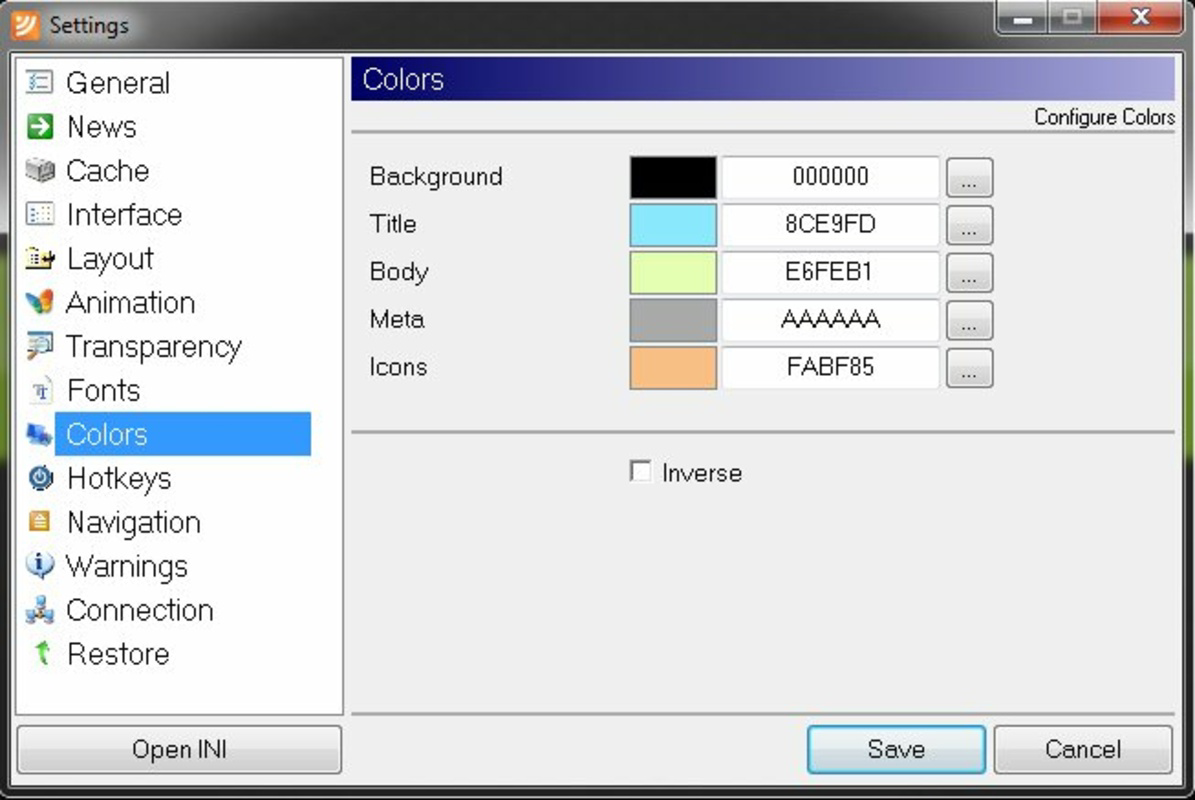
- Customizable Interface: Users can adjust the appearance and placement of the feed panel, allowing it to remain visible on the desktop or automatically minimize when full-screen applications are launched. This adaptability supports both constant monitoring and distraction-free work environments.
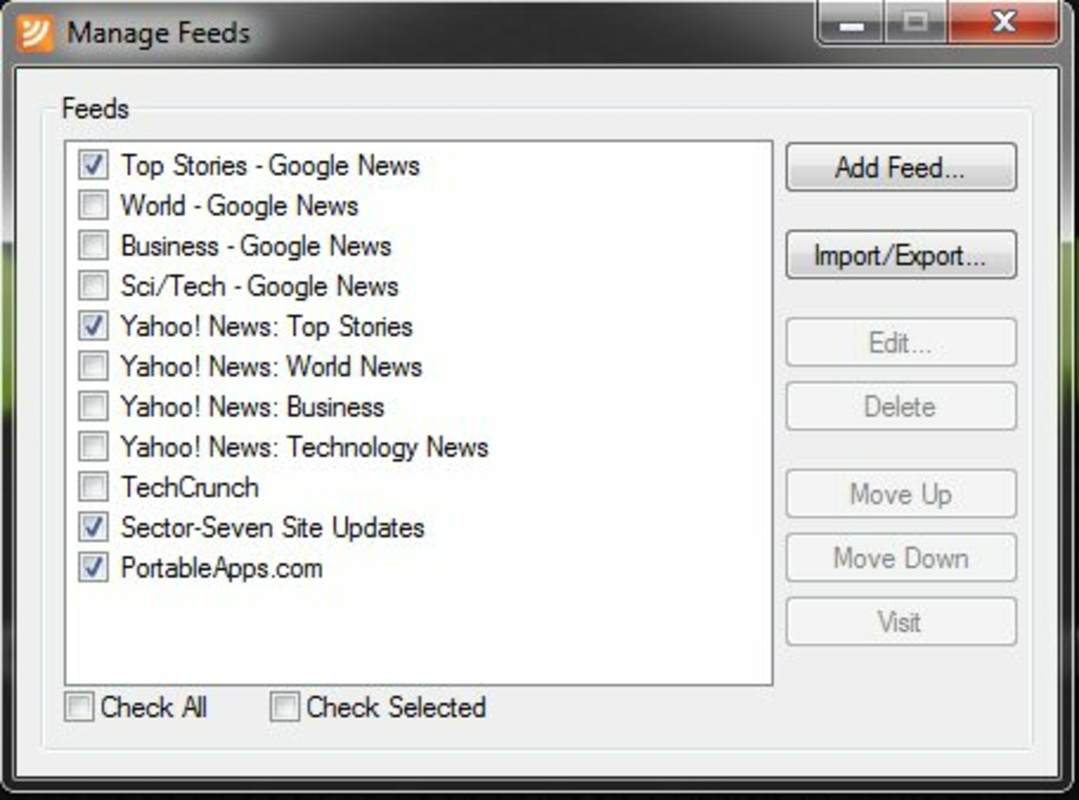
- RSS, Atom, and Twitter Support: The application integrates multiple feed formats—RSS, Atom, and Twitter—into one unified display. This eliminates the need to switch between multiple readers or browser tabs to stay updated.
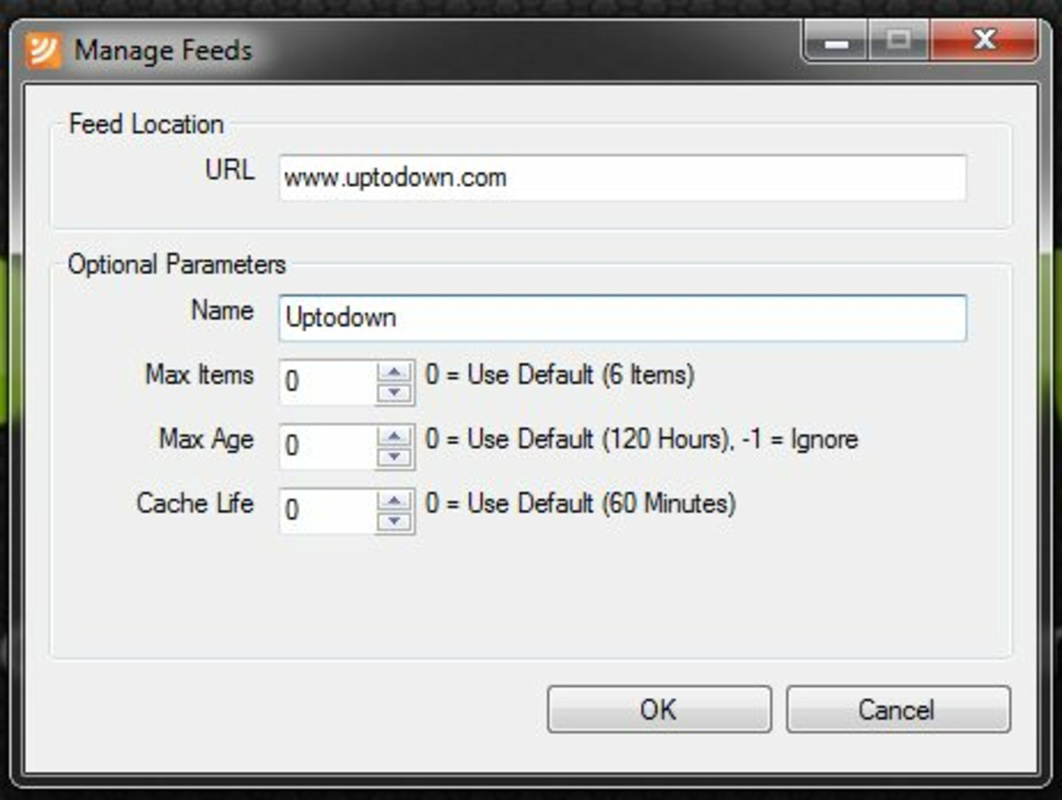
- Easy Feed Import/Export: FeedRoller Portable supports OPML format, enabling users to import feeds from other readers or export their current subscriptions. This feature simplifies migration and ensures continuity when switching tools.
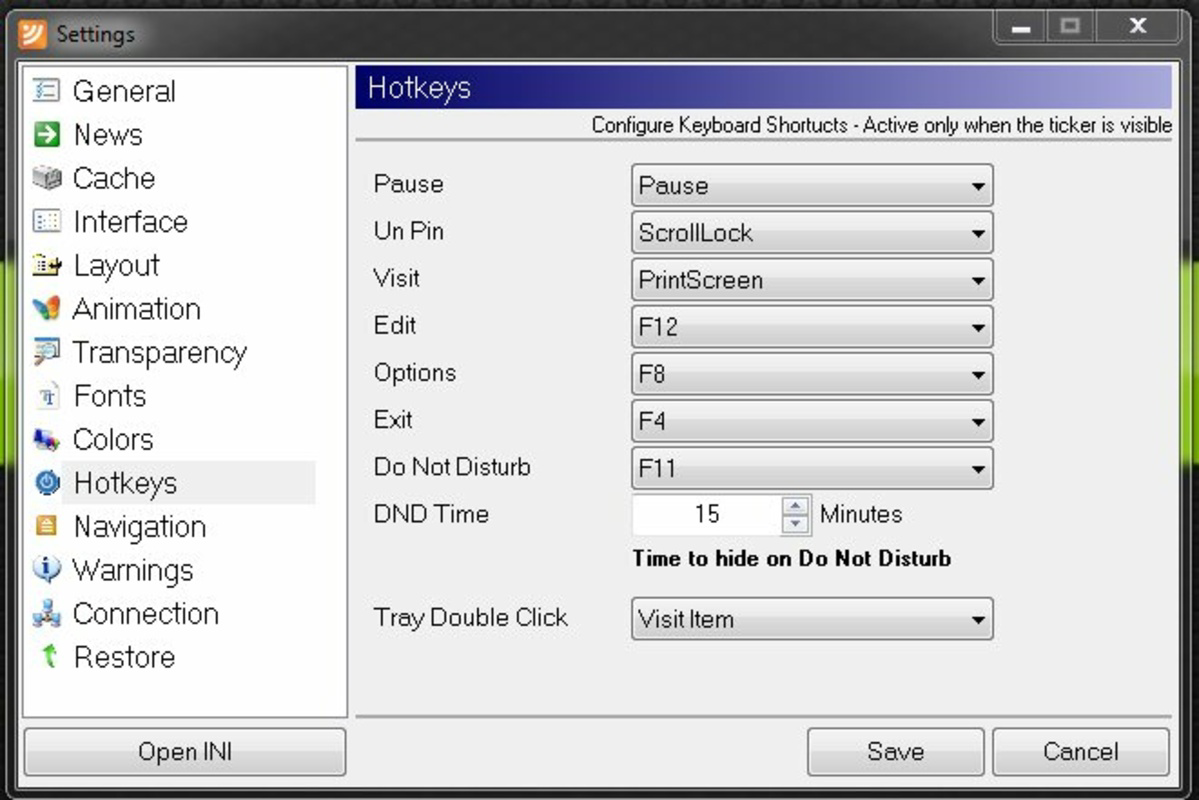
- Keyboard Shortcuts: Customizable keyboard shortcuts allow instant access to feed items, reducing the need to navigate through the interface. This enhances efficiency for power users who prioritize speed and workflow optimization.
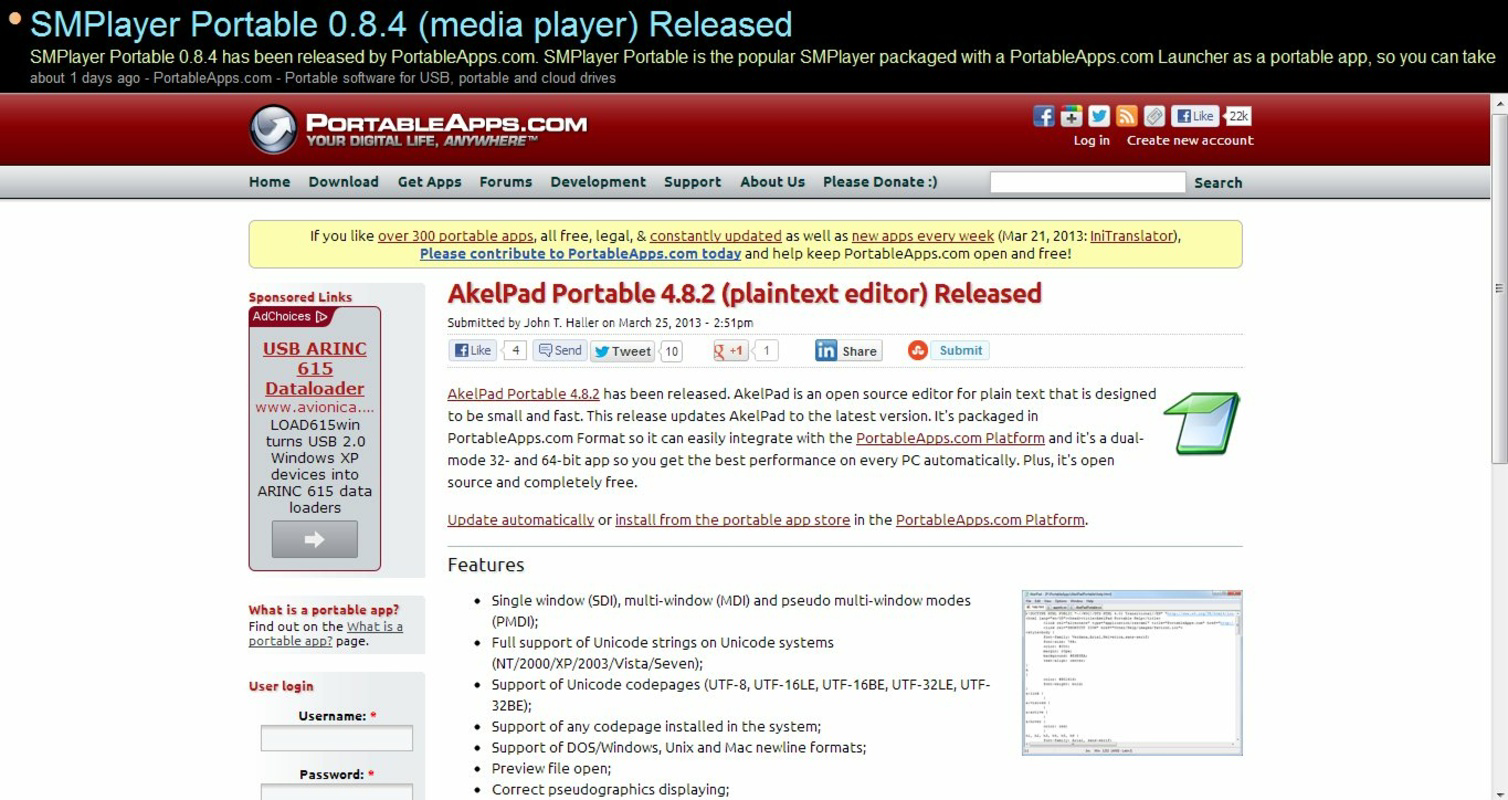
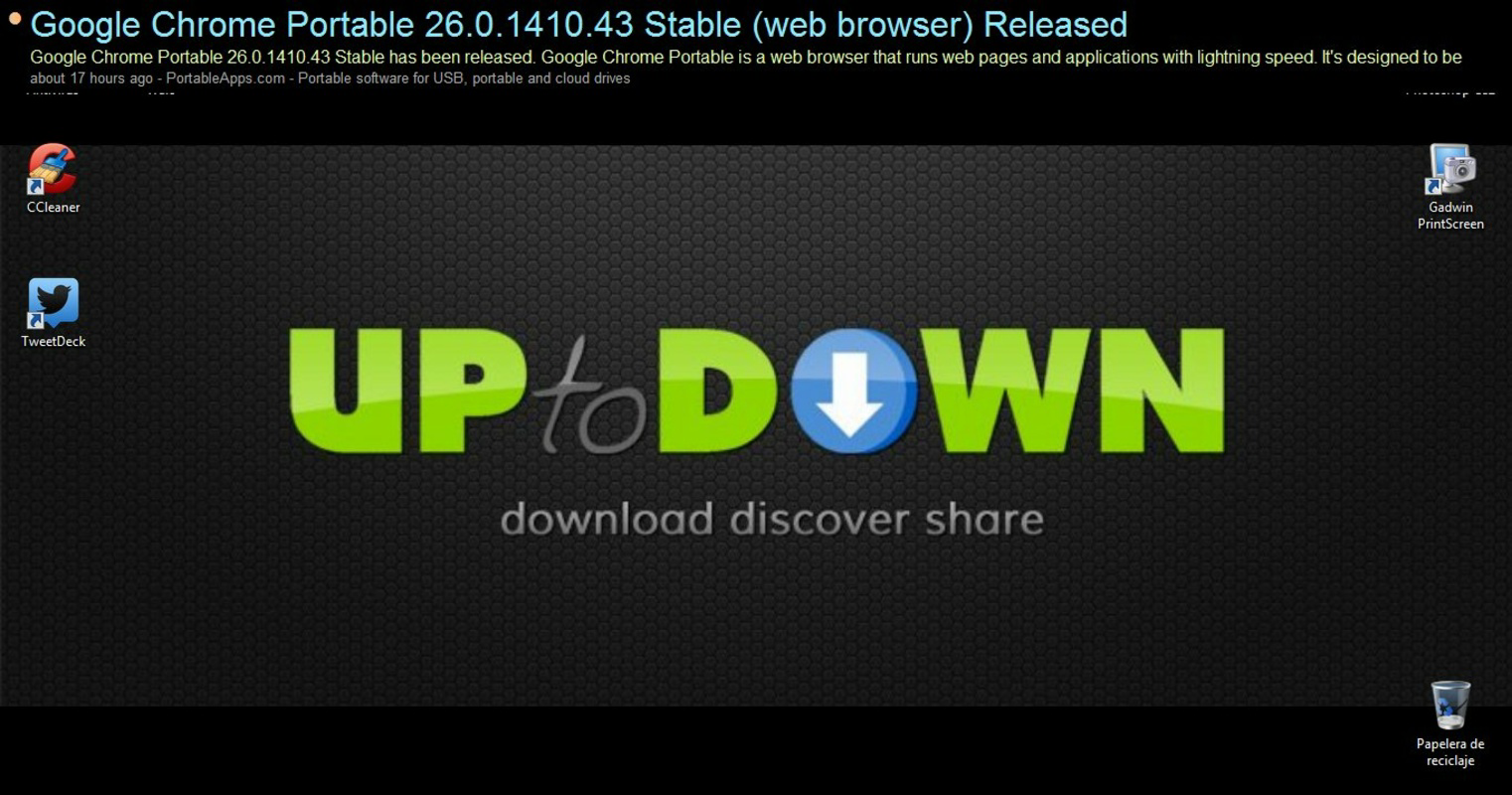
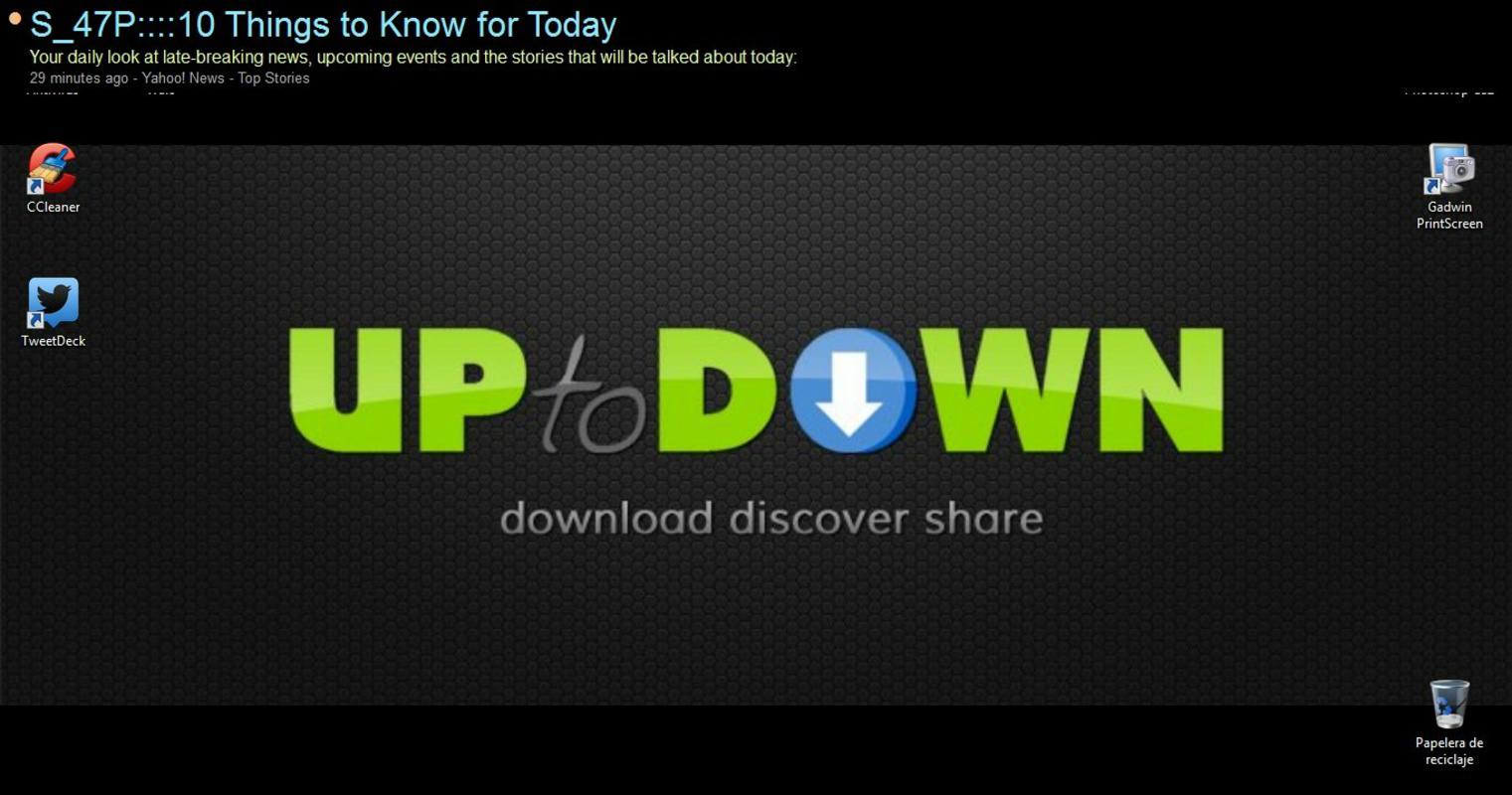
- Real-Time Updates: The app continuously refreshes content, displaying scrolling titles, summaries, and publication times directly on the desktop. This ensures users are always aware of the latest developments without manual checks.
For example, a journalist can monitor breaking news from multiple sources while writing, or a researcher can track updates from academic blogs and social media without interrupting their workflow. The ability to configure visibility and access via keyboard shortcuts makes FeedRoller Portable a practical tool for users who value information accessibility and workflow continuity.
Interface, UX & Performance
FeedRoller Portable features a minimalistic interface designed for low visual clutter and high usability. The panel is likely structured with a scrollable list of feed items, displaying titles, brief summaries, and timestamps. Its placement on the desktop can be adjusted, and the option to hide during full-screen mode supports distraction-free productivity. The navigation is straightforward: users can click on items to open them in a default browser or use keyboard shortcuts for quick access.
Although the developer did not list formal performance metrics, the app’s small file size of 1.2 MB suggests efficient resource usage. It is likely optimized for older or low-spec systems, making it accessible across a wide range of Windows devices. Responsiveness is expected to be consistent, given the lightweight nature of the application. Stability is implied by its long-standing release date, though no user reports or crash data were provided. The app appears to maintain a consistent performance profile across different screen sizes and resolutions, though specific compatibility details were not disclosed.
Platform Compatibility & Technical Requirements
FeedRoller Portable is designed for the Windows operating system. It is available as a standalone executable file with a size of 1.2 MB, indicating a portable, no-installation requirement. The application does not require administrative privileges, which enhances its usability on shared or restricted systems. The developer did not specify minimum OS requirements, but its release date in 2013 suggests compatibility with Windows XP or later versions.
Although the app’s version is listed as 1.0, no update history or changelog was provided. Users should be aware that the app may not support newer Windows features or security protocols introduced after 2013. The lack of official support information means that users relying on this tool should ensure their system environment is stable and secure. The app’s portability allows it to be run from external drives, making it convenient for users who need a consistent feed reader across multiple machines.
Pros and Cons
- Lightweight and portable, ideal for use on older or low-resource systems
- Supports multiple feed types: RSS, Atom, and Twitter
- Real-time updates with scrolling display for continuous awareness
- Customizable interface with auto-hide during full-screen use
- OPML import/export for easy feed migration
- Keyboard shortcuts enhance speed and workflow efficiency
- Version 1.0 has not been updated since 2013; may lack modern security or compatibility features
- No official support or update history available
- Compatibility with newer Windows versions is uncertain
- Developer did not provide detailed technical specifications or system requirements
- Interface may appear dated compared to modern feed readers
FAQ
Is FeedRoller Portable free to download and use?
Yes, FeedRoller Portable is available at no cost. The app is listed as free, with no in-app purchases or subscription fees.
Can I use FeedRoller Portable on Windows 10 or Windows 11?
The developer did not specify compatibility with Windows 10 or Windows 11. However, given its release in 2013 and small file size, it may run on newer systems, though this is not guaranteed.
Does FeedRoller Portable require installation?
No, the app is portable and can be run directly from a USB drive or folder without installation. This makes it ideal for use on public or shared computers.
Can I import my feeds from other readers?
Yes, FeedRoller Portable supports OPML import, allowing users to transfer subscriptions from other feed readers.
Is FeedRoller Portable safe to use?
As a standalone executable, the app should be scanned with antivirus software before use. While no known security issues were reported, users should exercise caution when downloading from third-party sources.
Final Thoughts
FeedRoller Portable remains a niche but functional tool for users who value simplicity, portability, and real-time access to multiple feed sources. Despite its age and lack of updates, its lightweight design and support for core feed formats make it a viable option for those seeking a distraction-free way to monitor RSS, Atom, and Twitter updates. Its customizable interface and keyboard shortcuts offer tangible productivity benefits, particularly for users managing multiple information streams.
While modern feed readers offer richer features and better integration, FeedRoller Portable stands out for its minimal footprint and no-installation convenience. It is best suited for power users, students, or professionals who prioritize efficiency over visual polish. For anyone needing a reliable, free, and lightweight feed reader that runs without setup, FeedRoller Portable delivers consistent value.
Download FeedRoller Portable now
Guides & Tutorials
How to install FeedRoller Portable
- Click the Download button above.
- Once redirected, accept the terms and click Install.
- Wait for the FeedRoller Portable download to finish on your device.
How to use FeedRoller Portable
This software is primarily used for its core features described above. Open the app after installation to explore its capabilities.
User Reviews
No reviews yet. Be the first to share your experience.
You may also like
more
Que no te pillen¡
About !Que no te pillen¡Reviewed by Jason A. BilbreyShow MoreShow Less

3D Combat Zone
About 3D Combat ZoneOriginally released in 1983, 3D Combat Zone immerses players...

666: El día del portal
About 666: El día del portalOn June 6, 2006, Agent P. Stone uncovers a sinister...

80 in 1 Best Flash games
About 80 in 1 Best Flash games 80 in 1 Best Flash games is a collection of 80 fl...

ABYSS SEEKERーーWhat Do You See Deep in The Abyss
About ABYSS SEEKERーーWhat Do You See Deep in The AbyssIn ABYSS SEEKER, players...

ACA NEOGEO THE KING OF FIGHTERS 2002 for Windows
About ACA NEOGEO THE KING OF FIGHTERS 2002 for WindowsTHE KING OF FIGHTERS 2002,...